

Configuring the Voice Channel in Dynamics 365 Customer Service
In this guide, we will explore in detail how to configure this channel, ensuring seamless integration with Azure Communication Services and optimizing the customer experience.
 Javier GarcíaCTO3 min read
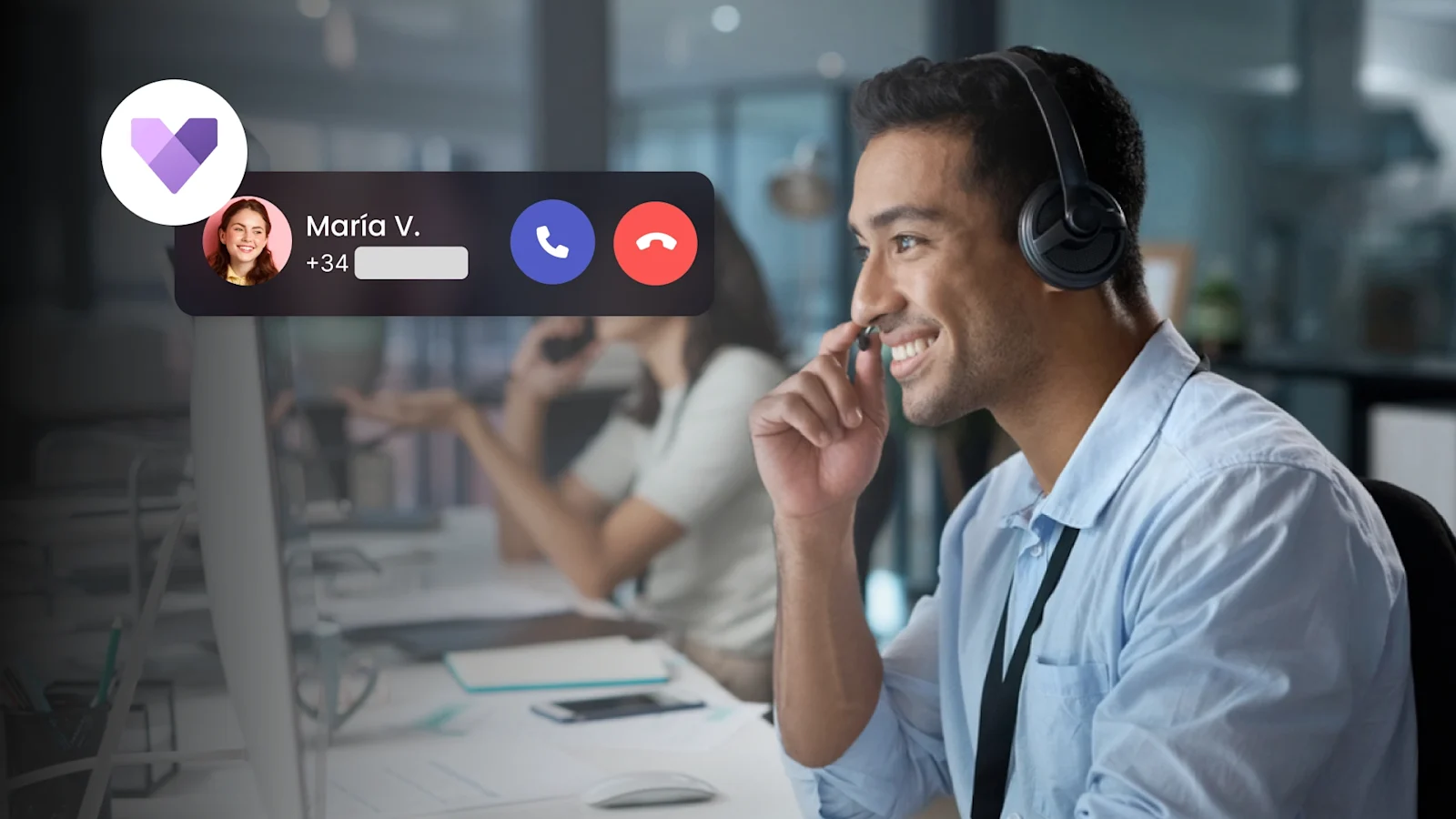
Introduction to Voice Channel in Dynamics Customer Service
The voice channel in Dynamics 365 Customer Service is a powerful tool that allows companies to manage telephone interactions with customers efficiently. In this guide, we will explore in detail how to configure this channel, ensuring seamless integration with Azure Communication Services and optimizing the customer experience.
1. Provisioning the Voice Channel
Enable the Omnichannel Platform: Before starting, make sure the omnichannel platform is enabled in your Dynamics 365 environment. This is essential for managing multiple communication channels, including the voice channel.
Acquire Phone Numbers: Purchase the necessary phone numbers through Azure Communication Services. These numbers will be used for incoming and outgoing calls.
2. Configuring Incoming Calls
Associate Phone Numbers with Work Streams: Configure incoming calls by associating a phone number with a specific work stream. This allows calls to be routed to the appropriate agents.
Define Call Behaviors: Configure behaviors such as queue position notifications and wait times to improve the customer experience.
3. Creating Voice Work Streams
Create a New Work Stream: In the left panel, select “Work Streams” and create a new work stream for the voice channel. Enter details such as the name and type (voice).
Configure the Work Stream: Associate the work stream with a phone number and define call behaviors, such as notifications and wait times.
4. Integration with Azure Communication Services
Configure the Integration: Ensure that the voice channel is integrated with Azure Communication Services. This allows efficient management of voice calls and provides a native calling experience in Dynamics 365.
5. Configuring Languages and Preferences
Add Primary Languages: Configure the primary languages and customer preferences to enhance the user experience. This includes allowing customers to choose their preferred language during calls.
6. Real-Time Monitoring and Analysis
Transcription and Sentiment Analysis: Use real-time monitoring and analysis tools to transcribe calls, analyze sentiment, and provide AI-based suggestions. This helps agents improve service quality and customer satisfaction.
Call Recording: Configure call recording to comply with regulations and for agent training. Recordings can be reviewed to ensure proper protocols are followed.
7. Automation and Voice Bots
Implement Voice Bots: Use voice bots to handle repetitive tasks and common queries. This not only reduces the workload for agents but also improves operational efficiency and customer experience.
8. Training and Support for Agents
Continuous Training: Provide continuous training to agents on using the voice channel and associated tools. This includes training on using conversational intelligence and analysis tools.
Conclusion
Configuring the voice channel in Dynamics 365 Customer Service may seem like a complex process, but by following these steps, you can ensure your company is equipped to offer high-quality customer service. Integration with Azure Communication Services and the use of advanced analysis and automation tools are key to maximizing efficiency and customer satisfaction.

Keep reading
See all articles
Omnichannel dialing: what it is and how to orchestrate voice, WhatsApp, and SMS
Omnichannel dialing coordinates calls, WhatsApp, and SMS as one campaign: the customer picks the channel, you set the pace. What it is and how to build it.
WhatsApp AI agents: what they are, what they can do, and how to integrate them
A WhatsApp AI agent handles, qualifies, and escalates conversations with no human behind. What they are, what they can really do, and how to integrate them.
Progressive dialer: what it is, how it works, and when to pick it over predictive
A progressive dialer calls only when an agent is free: zero abandoned calls. What it is, how it works, and which operations it beats predictive on.
Newsletter
New articles, in your inbox.
Dialing, voice and AI, without the noise. Unsubscribe anytime.
By submitting, you agree to receive emails from Astroline. See how we handle your data in our privacy policy.